



A ready-made, highly customizable chat UI for Flutter. Drop in ChatScreen,
wire up a handful of callbacks, and you get text messages, voice notes with
slide-to-cancel, gallery images, an in-app camera, and video messages — out of
the box.


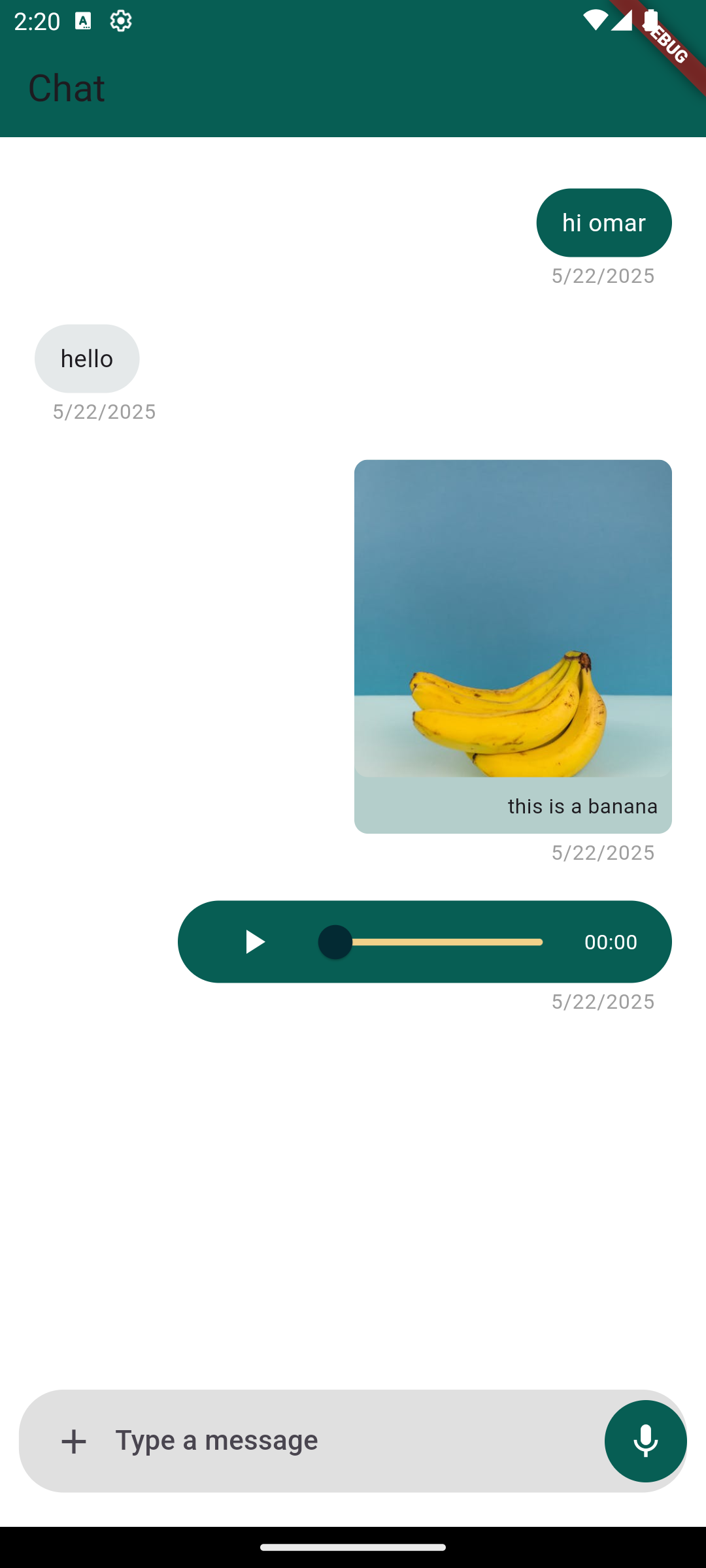
- 💬 Text messages with a customizable input field
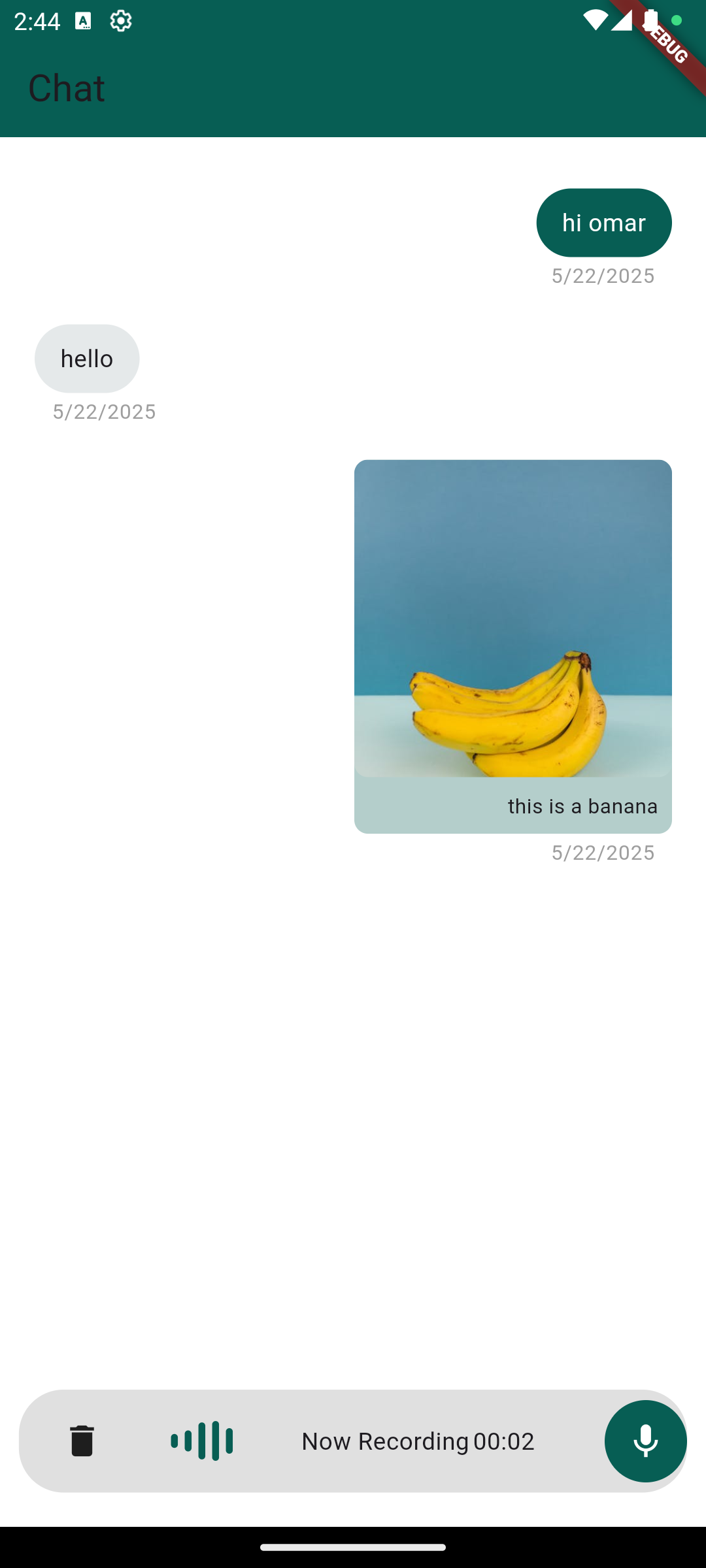
- 🎙️ Voice notes — hold to record, slide to cancel, built-in playback with a seek slider
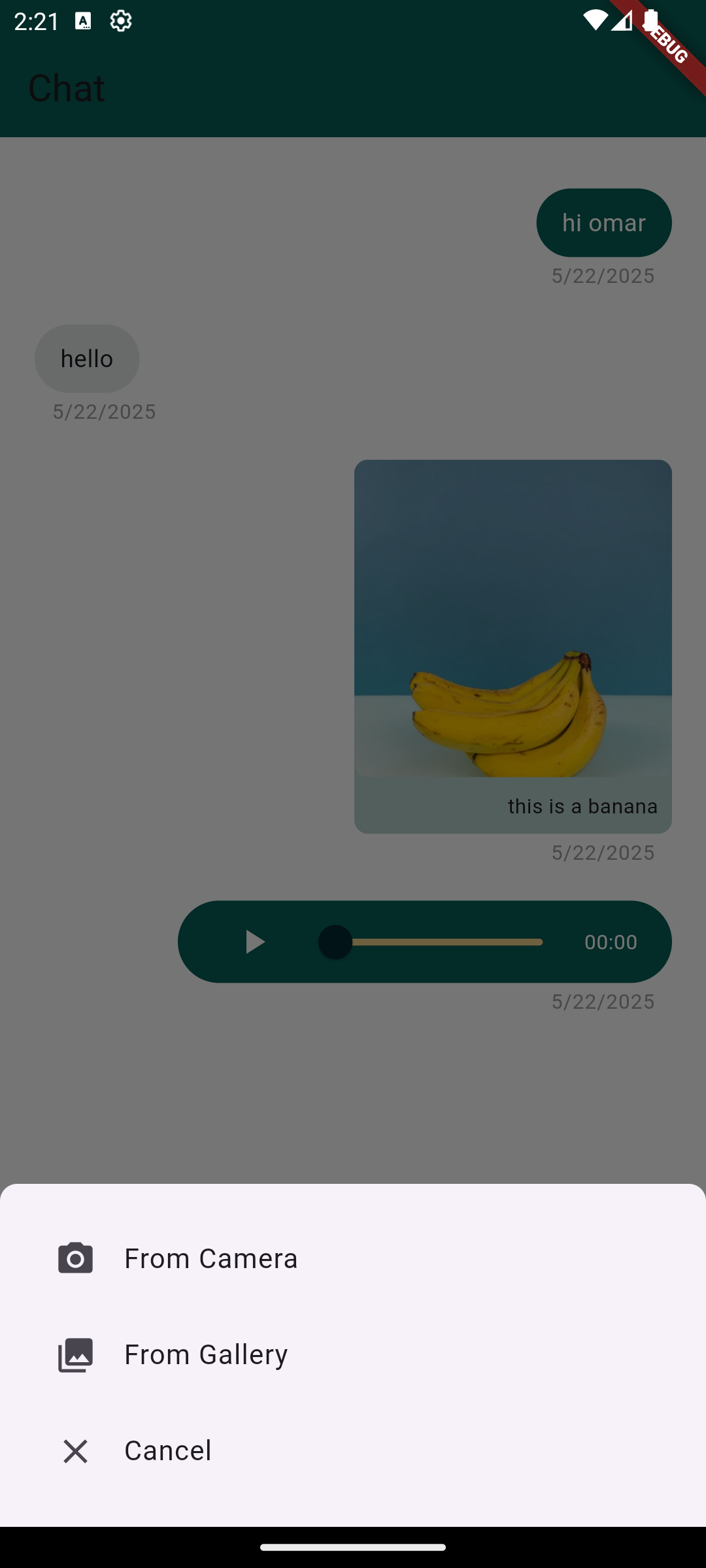
- 🖼️ Images from the gallery, shown inline with a full-screen viewer
- 📷 In-app camera — capture photos and videos with a caption step
- 🎞️ Video messages — inline thumbnail with tap-to-play full screen
- 🎨 Highly customizable — colors, sizes, text direction (LTR/RTL), icons, hints and more
- 🧩 Callback-driven: you own your data and state
Add the package to your pubspec.yaml:
dependencies:
  chat_package: ^2.1.0
Then run flutter pub get.
Requires Dart >= 3.0 and Flutter >= 3.16.
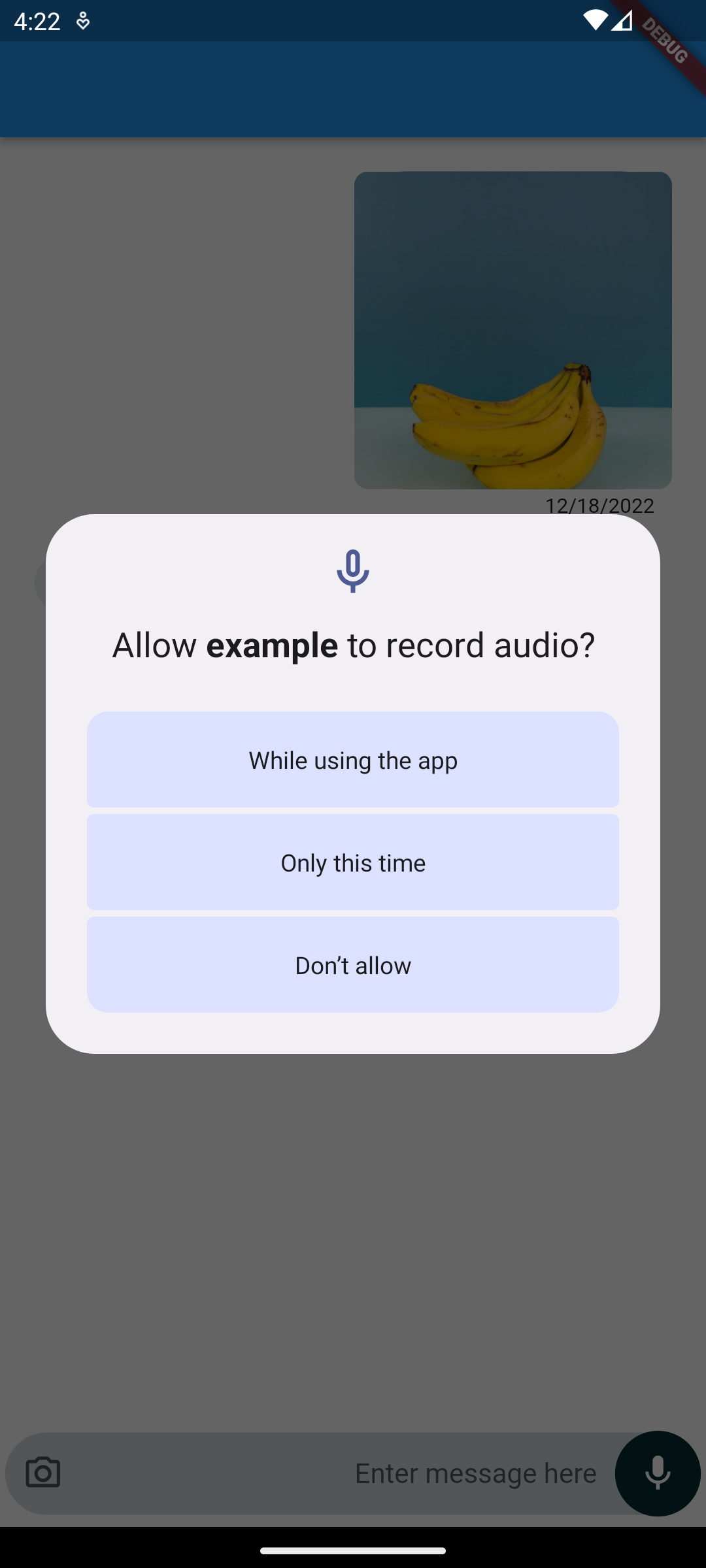
The package requests the runtime permissions it needs (microphone, camera, photos) for you — you only need to declare them.
In android/app/build.gradle, make sure the minimum SDK is at least 23
(required by the audio recorder):
android {
    defaultConfig {
        minSdkVersion 23
    }
}
Add the permissions to android/app/src/main/AndroidManifest.xml:
<uses-permission android:name="android.permission.INTERNET"/>
<uses-permission android:name="android.permission.CAMERA"/>
<uses-permission android:name="android.permission.RECORD_AUDIO"/>
<!-- Android 13+ -->
<uses-permission android:name="android.permission.READ_MEDIA_IMAGES"/>
<!-- Older Android versions -->
<uses-permission android:name="android.permission.READ_EXTERNAL_STORAGE"/>Add the usage descriptions to ios/Runner/Info.plist:
<key>NSCameraUsageDescription</key>
<string>This app needs camera access to take photos and videos.</string>
<key>NSMicrophoneUsageDescription</key>
<string>This app needs microphone access to record voice notes.</string>
<key>NSPhotoLibraryUsageDescription</key>
<string>This app needs photo library access to attach images.</string>
And enable the matching permission_handler macros in ios/Podfile:
post_install do |installer|
  installer.pods_project.targets.each do |target|
    flutter_additional_ios_build_settings(target)
    target.build_configurations.each do |config|
      config.build_settings['GCC_PREPROCESSOR_DEFINITIONS'] ||= [
        '$(inherited)',
        'PERMISSION_CAMERA=1',
        'PERMISSION_MICROPHONE=1',
        'PERMISSION_PHOTOS=1',
      ]
    end
  end
endimport 'package:chat_package/chat_package.dart';
import 'package:flutter/material.dart';
class ChatPage extends StatefulWidget {
const ChatPage({super.key});
@override
State<ChatPage> createState() => _ChatPageState();
}
class _ChatPageState extends State<ChatPage> {
final scrollController = ScrollController();
final List<ChatMessage> messages = [
ChatMessage(isSender: false, text: 'Welcome to chat_package 👋'),
];
void _add(ChatMessage m) => setState(() => messages.add(m));
@override
Widget build(BuildContext context) {
return Scaffold(
appBar: AppBar(title: const Text('Chat')),
body: ChatScreen(
scrollController: scrollController,
messages: messages,
onTextSubmit: _add,
handleRecord: (audio, canceled) {
if (!canceled && audio != null) _add(audio);
},
handleImageSelect: (image) {
if (image != null) _add(image);
},
handleVideoSelect: (video) {
if (video != null) _add(video);
},
),
);
}
}A message holds optional text and optional ChatMedia (an image/audio/video
url or local file path). It also offers toJson() / fromJson() so you can
persist and restore conversations from your backend.
ChatMessage(
  isSender: true,
  text: 'this is a banana',
  chatMedia: ChatMedia(
    url: 'https://example.com/banana.jpg',
    mediaType: MediaType.image, // image | audio | video
  ),
);
Note:
MediaTypeis now a plain enum (MediaType.image,MediaType.audio,MediaType.video). See the migration guide below.
| Property | Type | Description |
|---|---|---|
messages |
List<ChatMessage> |
The messages to render. |
scrollController |
ScrollController |
Controls the chat list. |
onTextSubmit |
Function(ChatMessage) |
Called when a text message is sent. |
handleRecord |
Function(ChatMessage?, bool canceled) |
Called with the recorded voice note (or (null, true) when canceled). |
handleImageSelect |
Function(ChatMessage?) |
Called with the selected/captured image (or null). |
| Property | Type | Default | Description |
|---|---|---|---|
handleVideoSelect |
Function(ChatMessage?)? |
null |
Captured video callback; falls back to handleImageSelect if omitted. |
onSlideToCancelRecord |
VoidCallback? |
null |
Called when a recording is slid to cancel. |
textEditingController |
TextEditingController? |
internal | Supply your own controller for the input text. |
disableInput |
bool |
false |
Disables the whole input field. |
attachmentClick |
Function(BuildContext)? |
default sheet | Override the attachment bottom sheet. |
| Property | Type | Default |
|---|---|---|
senderColor |
Color? |
theme default |
activeAudioSliderColor / inActiveAudioSliderColor |
Color? |
theme defaults |
chatInputFieldColor |
Color |
Color(0xFFCFD8DC) |
chatInputFieldDecoration |
BoxDecoration? |
null |
chatInputFieldPadding |
EdgeInsets? |
null |
messageContainerTextStyle / sendDateTextStyle |
TextStyle? |
null |
textDirection |
TextDirection |
TextDirection.ltr |
containerBorderRadius |
double |
40 |
buttonRadius |
double |
35 |
textMessageWidthFraction |
double |
0.5 |
imageMessageWidthFraction |
double |
0.45 |
audioMessageWidthFraction |
double |
0.7 |
| Property | Type | Default |
|---|---|---|
cameraResolution |
ResolutionPreset |
ResolutionPreset.high |
audioBitRate |
int |
128000 |
imageQuality |
int |
70 |
imageMaxWidth |
double |
1440 |
imageAttachmentFromGalleryText / Icon, imageAttachmentFromCameraText /
Icon, imageAttachmentCancelText / Icon, imageAttachmentTextStyle,
sendMessageHintText, recordingNoteHintText.
- SDK: requires Dart
>=3.0/ Flutter>=3.16. MediaTypeis now an enum. ReplaceMediaType.imageMediaType()→MediaType.image,MediaType.audioMediaType()→MediaType.audio,MediaType.videoMediaType()→MediaType.video. (The Freezed dependency was removed.)- New
handleVideoSelectcallback for the in-app camera's video captures. - In-app camera now returns captured photos/videos into the chat (with an optional caption). The attachment camera option opens the in-app camera.
- Android
minSdkVersionmust be>= 23for the upgraded audio recorder. - New customization params:
textDirection,containerBorderRadius,buttonRadius, message width fractions, and capture-quality settings.
If this package helped you, please consider giving it a ⭐️ on GitHub and sharing it.
Open an issue on GitHub with suggestions, bugs or feature requests.
MIT © Omar Mouki