Releases: Gothic-Unity-Project/Gothic-Unity
Releases · Gothic-Unity-Project/Gothic-Unity
v0.2.0-alpha


Changelog
Changed
- Upgraded to Unity 6 (LTS)
Added
- SpeechToText - After downloading and storing local LLM to the game, you can speak the dialog options with NPCs. More details at: Wiki: SpeechToText
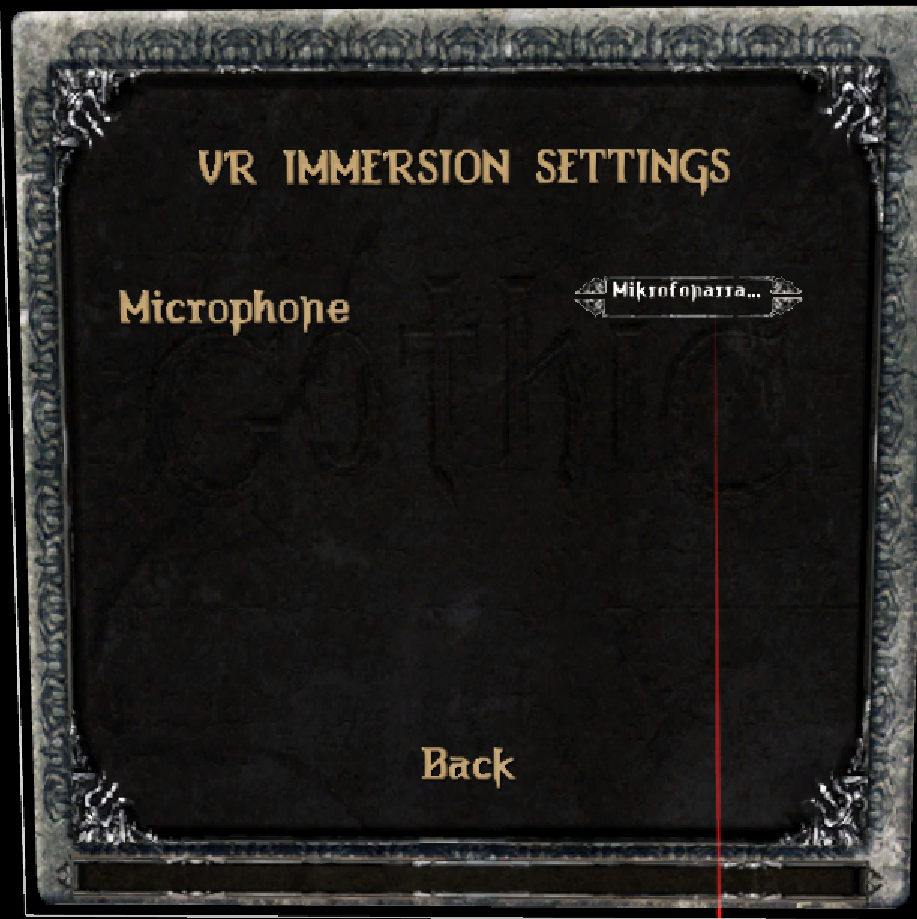
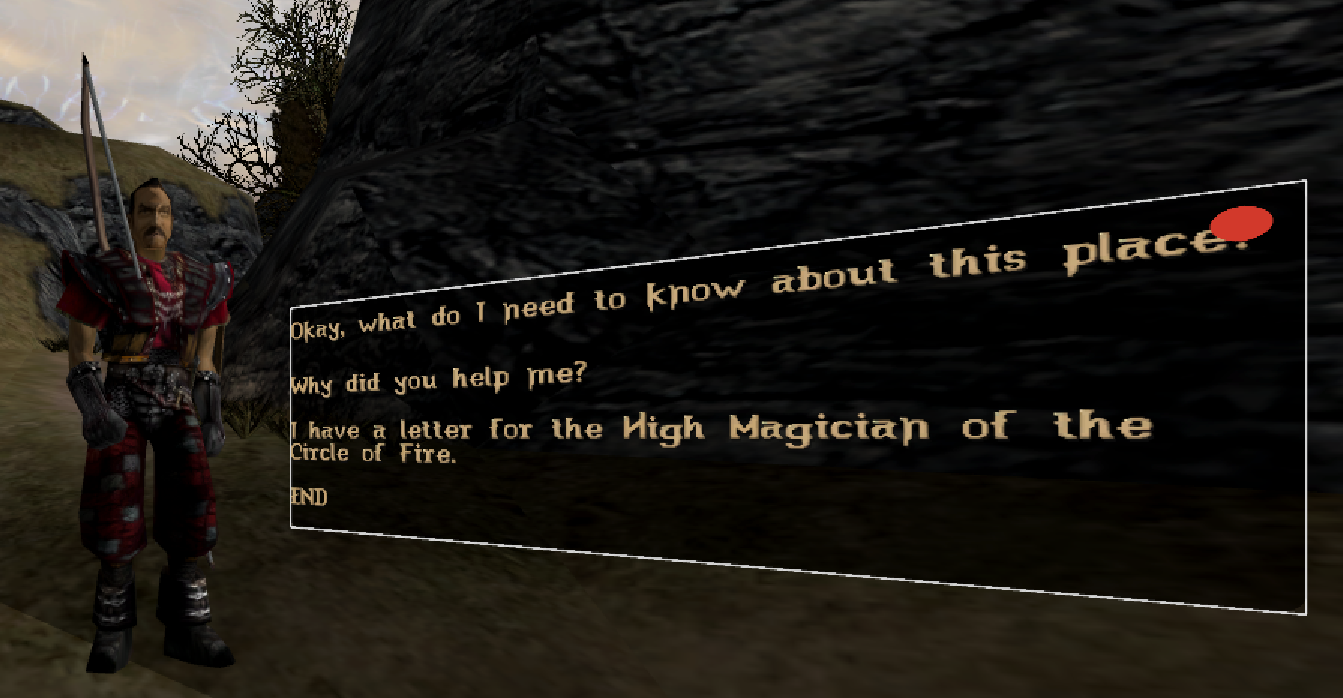
- VR tutorials can be activated inside MainMenu and In Game Menu. Simply click on the pulsating Gothic-UnZENity logo (stretch your arms to select).


Full Changelog: v0.1.0-alpha...v0.2.0-alpha
v0.1.0-alpha
Description
Hop into a more interactive VR world with NPC interactions and dialogs. Explore new hero capabilities like sitting and eating animations with dramatically improved animations and faster loading times.
Changelog
Added
- Interactions
- Sit on bench
- Eat/drink items
- NPCs
- Dialogs
- Dialog subtitles
- Custom NPC AnimationSystem
- PreCaching scene to speed up normal game loads (by about 30 seconds)
- Spectator mode with less jitter on a PCVR game recording
- Menu
- Load Gothic Menu from Daedalus scripts
- VR settings menu for accessibility features (Snap turn, Seated mode, ...)
- Improved logging framework for debugging purposes (additional filter for Categories in GameSettings.json)
- Save setting changes to Gothic.ini file
Changed
- Backpack model (jute sack)
- Async Loading based on device performance (no jitter when in loading screen)
- PreCaching + World loading + VOBs + NPCs
Fixed
- Glyph support for non-english characters
Full Changelog: v0.0.1-pre-release...v0.1.0-alpha
v0.0.1-pre-alpha
Description
Enjoy the colony with ambience and items in VR. Expect anything and nothing.
Here be dragons: It's the very first pre-release to check on the games stability in general.
Changelog
Added
- Main Menu to enter some settings and start the game
- Walk, Jump, Crouch, Run (see Controls for more details)
- Interaction with items, chests, and doors
- Music and transitions between music zones