Golang Tetris for console window with optional AI
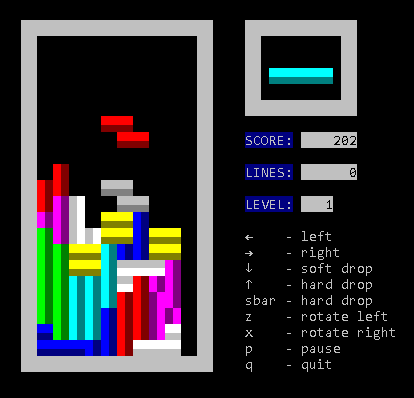
- AI (use i key to toggle)
- Lock delay
- Next piece
- Ghost piece
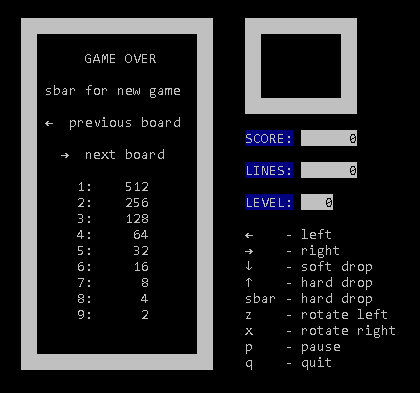
- Top scores
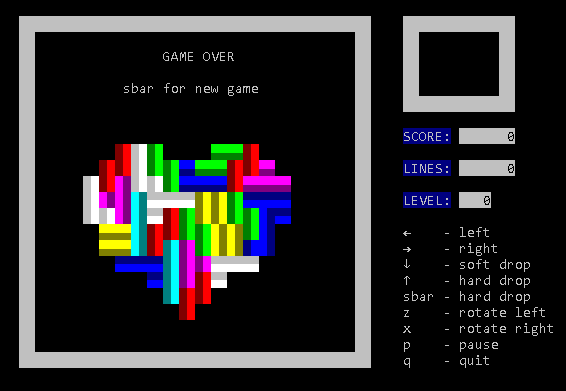
- Board choices
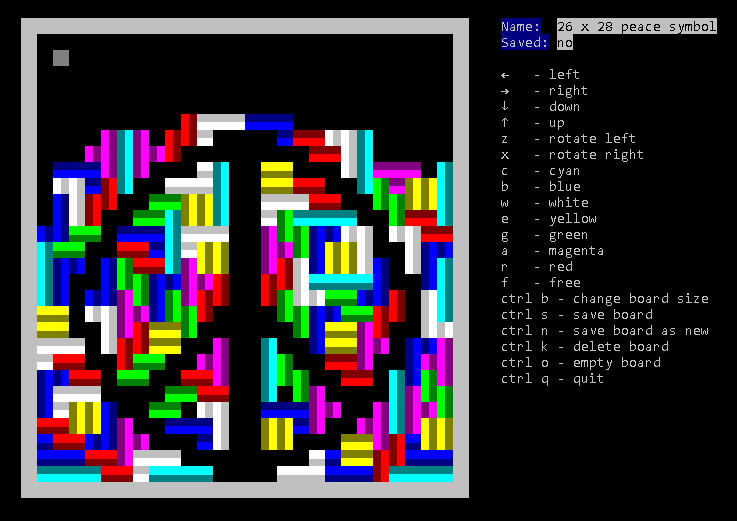
- Edit boards
go get github.com/MichaelS11/go-tetris
go install github.com/MichaelS11/go-tetris
Then run the binary created, go-tetris or go-tetris.exe
| Key | Action |
|---|---|
| ← | previous board |
| → | next board |
| spacebar | start game |
| ctrl e | edit board |
| q | quit |
| Key | Action |
|---|---|
| ← | left move |
| → | right move |
| ↓ | soft drop |
| ↑ | hard drop |
| spacebar | hard drop |
| z | left rotate |
| x | right rotate |
| p | pause |
| q | quit |
| i | toggle AI |
| Key | Action |
|---|---|
| ← | move cursor left |
| → | move cursor right |
| ↓ | move cursor down |
| ↑ | move cursor up |
| z | rotate left |
| x | rotate right |
| c | cyan block - I |
| b | blue block - J |
| w | white block - L |
| e | yellow block - O |
| g | green block - S |
| a | magenta block - T |
| r | red block - Z |
| f | free block |
| ctrl b | change board size |
| ctrl s | save board |
| ctrl n | save board as new |
| ctrl k | delete board |
| ctrl o | empty board |
| ctrl q | quit edit mode |
- Improve AI speed (slow on large boards)