
An Arduino sketch for robustly reading the balance and transaction history from a Dhaka MRT RapidPass card using a PN532 NFC module.
FMR2 is an unofficial, Opensource Arduino/ESP32 project designed for robustly reading data from the Dhaka MRT's FeliCa RapidPass card. It operates completely offline, ensuring your card data remains private and secure.
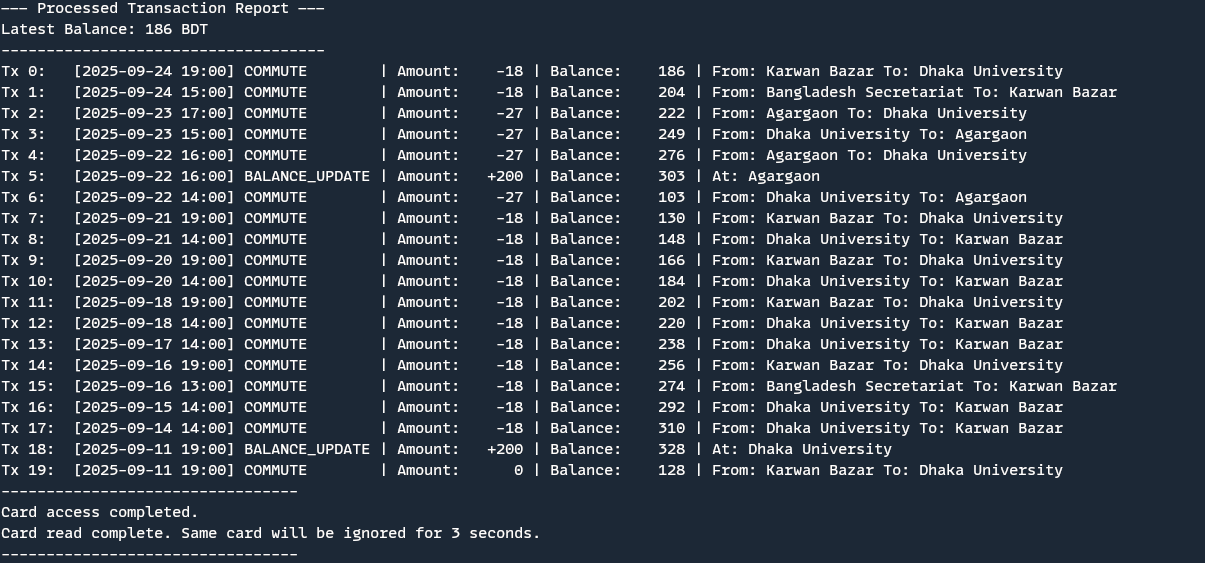
- Read Balance & History: Instantly checks the card's current balance and the last 20 transactions.
- Offline Operation: Requires no internet connection. All processing is handled by the microcontroller.
- Robust Scanning: Employs a multi-attempt read logic to improve scan success rates, even with minor card placement issues.
- Transaction Parsing: Decodes and displays detailed transaction information, including type (commute/balance update), amount, and station names.
- Debugging: Includes an optional raw data dump feature for troubleshooting and in-depth analysis.
To use FMR2, you will need:
- An Arduino or a compatible microcontroller board (e.g., Arduino Uno, Nano, ESP8266, ESP32).
- A PN532 NFC/RFID module.
Follow these steps to set up and use the FMR2 sketch:
- Download the Sketch: Clone this repository or download the
FMR2.inofile. - Install Libraries: Ensure you have the necessary PN532 libraries installed in your Arduino IDE (e.g., Adafruit PN532 Library).
- Configure Your Connection: Open the
FMR2.inofile in the Arduino IDE. In the "Communication Protocol Selection" section, uncomment the#if 1line corresponding to the interface (SPI, I2C, HSU, or Software Serial) that matches your wiring between the Arduino/ESP32 and the PN532 module. - Upload the Sketch: Connect your microcontroller to your computer and upload the
FMR2.inosketch. - Open the Serial Monitor: Open the Arduino IDE's Serial Monitor and set the baud rate to
115200. - Scan the Card: Bring your Dhaka MRT RapidPass card close to the PN532 module. The card's balance and transaction history will be printed in the Serial Monitor.
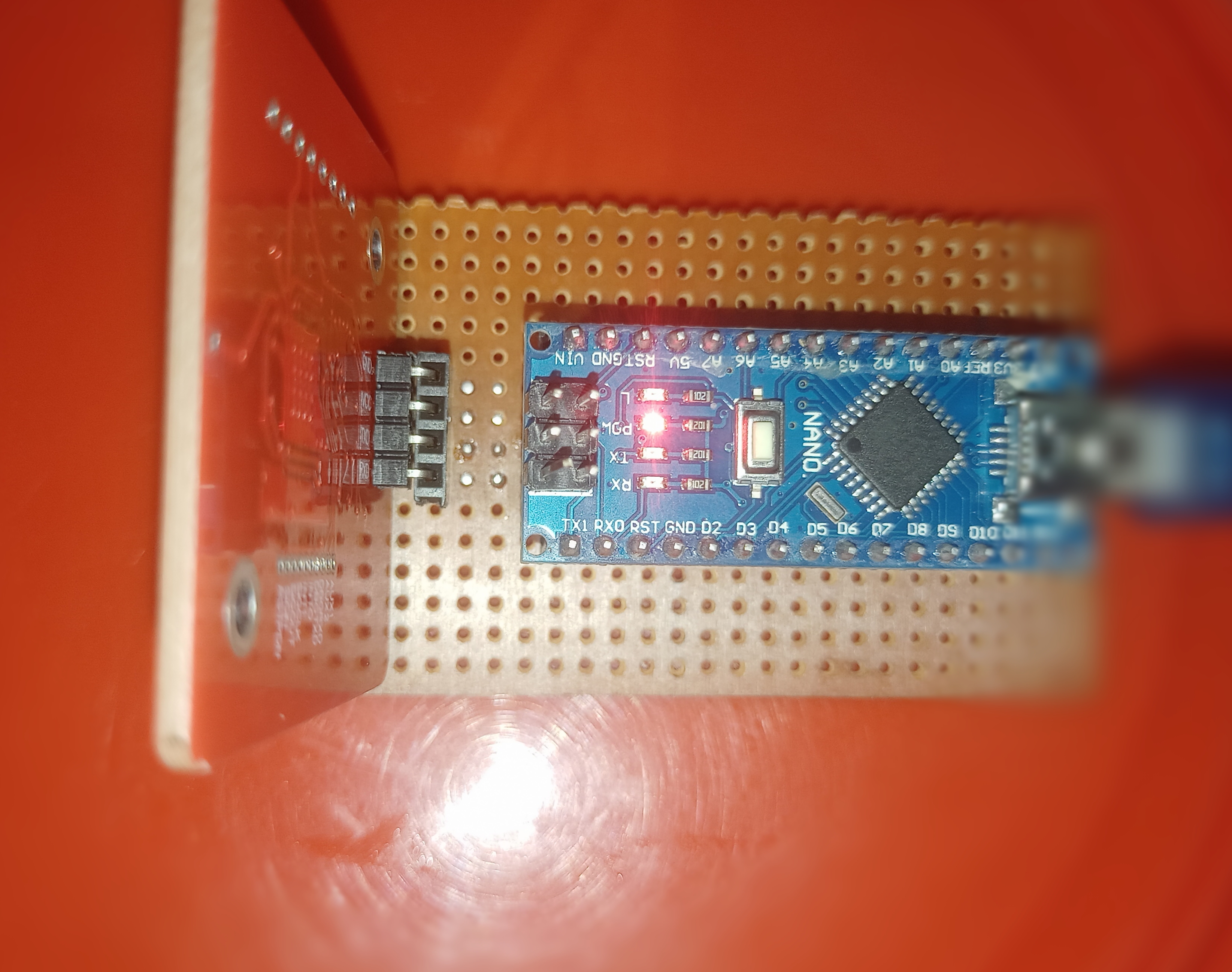
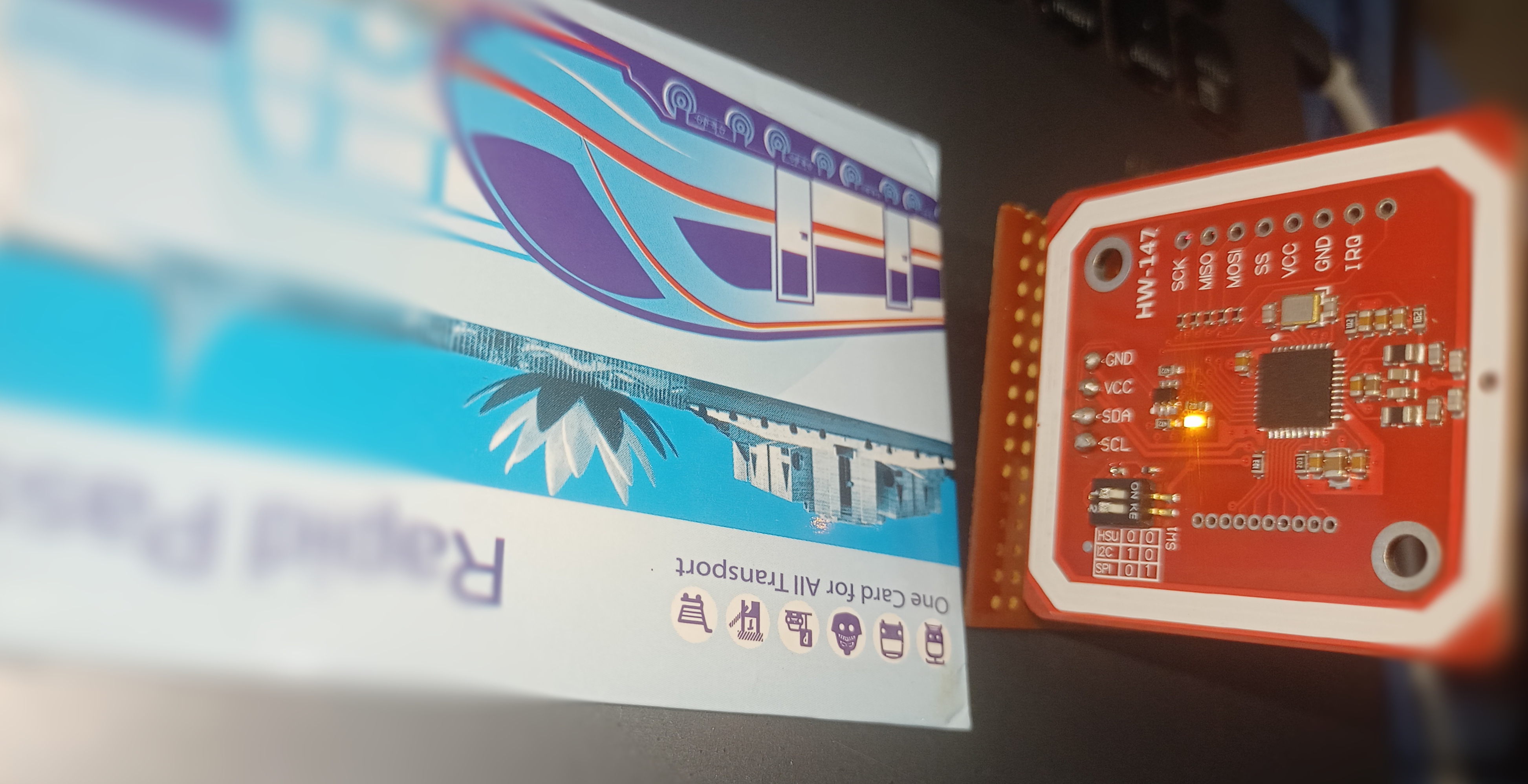
- PN532 Library: https://github.com/Seeed-Studio/PN532
- PN532 Library (Fork): https://github.com/elechouse/PN532
This is an unofficial tool provided for educational and personal use. It is not affiliated with, endorsed by, or connected in any way to the Dhaka Mass Transit Company Limited (DMTCL), JICA, or any related government entities. Use it at your own risk.
This project is licensed under the GNU Affero General Public License v3.0. See the LICENSE file for details.